




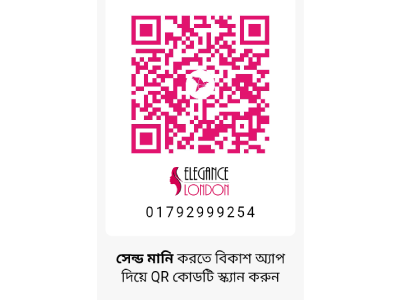
Pay us on the go - 017 92 99 92 54

From bKash app scan the QR-code or, pay from mobile menu -
01. Go to your bKash Mobile Menu by dialing *247#
02. Choose “Send Money”
03. Enter our bKash number - 017 92 99 92 54
04. Enter the amount you want to send
05. Enter a reference about the transaction. (Do not use more than one word, avoid space or special characters)
06. Now enter your bKash Mobile Menu PIN to confirm the transaction
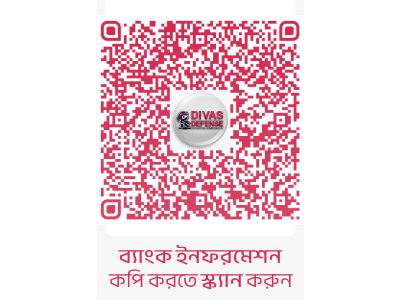
From Rocket app scan the QR-code or, pay from mobile menu -
01. Go to your Rocket Mobile Menu by dialing *322#
02. Choose “2” (Send Money)
03. Enter our Rocket number - 017 92 99 92 54
04. Enter the amount you want to send
05. Now enter your Rocket Mobile Menu PIN to confirm the transaction

01. Go to your Nagad Mobile Menu by dialing *167#
02. Enter our Nagad number - 017 92 99 92 54
03. Enter the amount you want to send
04. Enter a reference about the transaction. (Do not use more than one word, avoid space or special characters)
05. Now enter your Nagad Mobile Menu PIN to confirm the transaction